
Download Mednafen – Multi-System Emulator, Retro Gaming, Classic Consoles, Lightweight, Command Line
Overview
Mednafen is a multi-system emulator designed for retro gaming enthusiasts who seek to relive classic titles from iconic consoles such as Nintendo, Sega, and Sony. The app enables users to play games from systems including the NES, SNES, Sega Genesis, Sega Saturn, and PlayStation, offering a consolidated solution for accessing a broad range of vintage software. By supporting multiple platforms within a single executable, Mednafen eliminates the need to install separate emulators for each system, streamlining the retro gaming experience. The app is particularly suited for users who value compatibility, performance, and minimal resource usage.
Although the developer did not provide additional background details, Mednafen has established itself as a reliable tool in the retro gaming ecosystem. Its command-line interface sets it apart from mainstream emulators, appealing to users who prioritize control and efficiency over graphical polish. The app is ideal for hobbyists, collectors, and technical users who are comfortable with basic system operations. Real-world use cases include preserving digital copies of old games, testing ROM integrity, and enjoying classic titles on modern devices. Despite its niche interface, Mednafen remains a respected choice among retro gaming communities for its depth and flexibility.
Key Features & Functionality
- Wide System Compatibility – Mednafen supports a diverse range of classic gaming systems, including NES, SNES, Sega Genesis, Sega Saturn, and PlayStation. This broad compatibility allows users to access titles from multiple eras and platforms without switching between emulators.
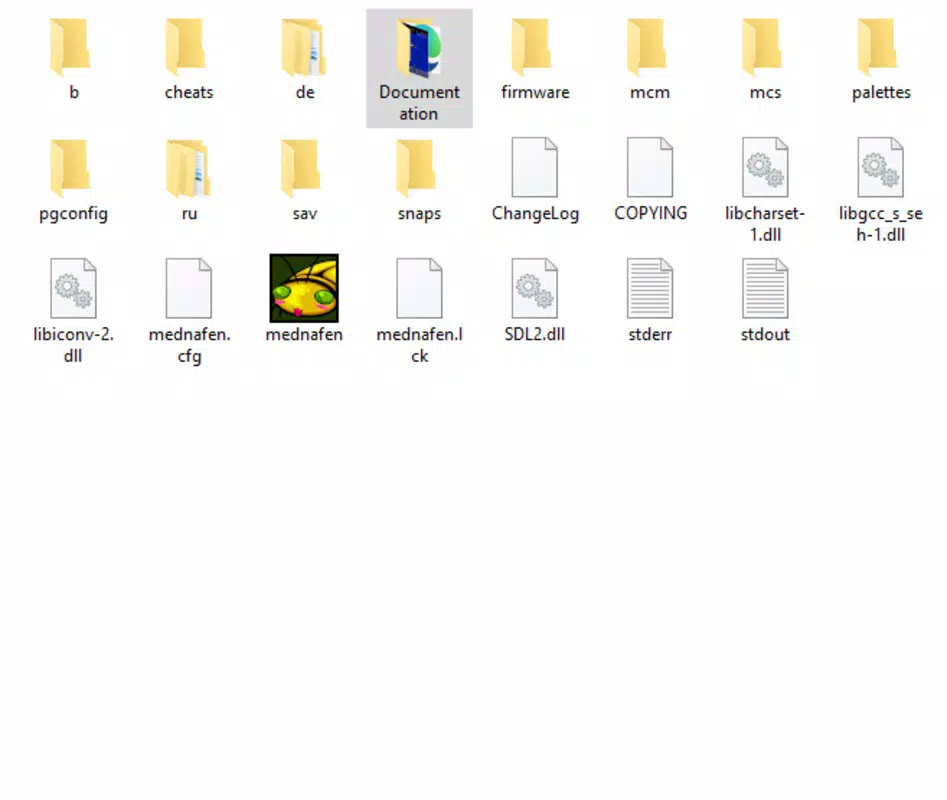
- Command Line Interface – The app operates via a command-line interface, requiring users to drag and drop ROM files onto the executable to initiate gameplay. While this approach may seem technical, it provides a direct and efficient method for launching games once users become familiar with the workflow.
- Customizable Controls – Users can configure input settings using the 'Alt+Shift+1' command, enabling tailored keyboard or gamepad mappings. This flexibility supports various input devices, including Xbox and PlayStation controllers, enhancing playability across different setups.
- Lightweight Design – At just 6 MB, Mednafen is exceptionally small in size, making it easy to install and run on devices with limited storage. Its efficient architecture ensures minimal system impact, ideal for older or low-resource hardware.
- Front-end Integration – Mednafen can be used with various front-end applications, allowing users to add graphical interfaces that improve usability. This compatibility supports customization of the user experience, enabling users to choose an interface that matches their preferences.
For example, a user with a collection of SNES ROMs can load them directly into Mednafen by dragging files onto the executable, then configure controls via the designated command. Similarly, a retro gaming setup using a front-end like RetroArch benefits from Mednafen’s backend performance and accuracy.
Interface, UX & Performance
Mednafen features a command-line interface, which means there is no built-in graphical user interface (GUI). This design choice results in a minimalist and focused experience, free from visual clutter. Users interact with the app through text-based commands and file operations, relying on drag-and-drop functionality to load ROMs. While this may present a learning curve for beginners, it offers a streamlined workflow once mastered.
The navigation is straightforward: users launch the executable, then drag ROM files onto it to start playing. There are no menus, settings panels, or on-screen prompts—only direct interaction with the system. This simplicity enhances performance, as the app avoids overhead from graphical elements. Although the developer did not list formal performance metrics, the lightweight nature of the app suggests efficient operation across a range of devices.
Responsiveness is consistent with the app’s minimal footprint. On devices with sufficient processing power, Mednafen loads ROMs quickly and maintains stable frame rates. Stability is maintained through its mature codebase, which has been refined over years of community use. The lack of a GUI may affect usability for casual users, but it aligns with the expectations of its target audience: technically inclined retro gaming enthusiasts.
Platform Compatibility & Technical Requirements
Mednafen is available for Android and iOS platforms. The app is compatible with devices running the latest versions of both operating systems. The file size is listed as 6 MB, indicating a minimal storage footprint. Specific OS version requirements were not listed by the developer, nor were detailed hardware specifications provided.
The developer did not specify minimum OS requirements. Compatibility information was not fully disclosed. Users should ensure their device supports the required system architecture and file formats. The app’s lightweight nature suggests it will function on a wide range of devices, including older models. However, without official documentation, users are advised to test compatibility on their specific hardware.
Pros and Cons
Pros
- Supports a wide variety of classic gaming systems in a single application
- Extremely lightweight at just 6 MB, ideal for low-storage devices
- Efficient performance due to minimal interface and low resource usage
- Customizable controls via simple keyboard commands
- Compatible with various front-end applications for enhanced usability
Cons
- Command-line interface may be challenging for non-technical users
- No built-in graphical user interface or on-screen settings
- Specific system requirements and OS compatibility were not disclosed
- Setup process requires manual ROM loading via drag-and-drop
- Limited visual feedback during operation
FAQ
Is Mednafen safe to download and use?
Mednafen is a legitimate emulator developed by a community-driven project. It does not contain malware or intrusive ads. However, users should only load ROMs they legally own to ensure compliance with copyright laws.
Can I use Mednafen on my iPhone or Android device?
Yes, Mednafen is available for both iOS and Android. The app can be installed on compatible smartphones and tablets, provided the device meets the system requirements.
Do I need to install additional software to use Mednafen?
Mednafen can run independently. However, using it with a front-end application like RetroArch can improve the user experience by adding a graphical interface.
How do I configure controls in Mednafen?
Users can access control settings by pressing 'Alt+Shift+1' within the emulator. This opens the input configuration menu, allowing customization of keyboard or gamepad inputs.
Is Mednafen free to download and use?
Yes, Mednafen is available for free. There are no in-app purchases or subscription fees. The app is distributed under an open-source license.
Final Thoughts
Mednafen stands out as a powerful, lightweight, and highly compatible emulator for retro gaming fans who value performance and flexibility. Its ability to support multiple classic systems in a single executable makes it a smart choice for enthusiasts with diverse game libraries. While the command-line interface may deter casual users, it offers a direct and efficient experience for those comfortable with technical workflows.
Its small size, low resource consumption, and support for front-end integration make it a versatile tool for both mobile and desktop use. For users who prioritize authenticity, accuracy, and control, Mednafen delivers a reliable and customizable retro gaming solution.
Download Mednafen now


